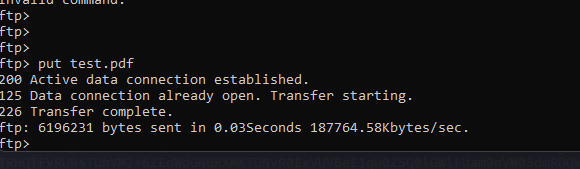
Introduction
File transfer is an essential skill in system administration, penetration testing, and cybersecurity. During security assessments, files often need to move between Linux and Windows systems to exchange tools, scripts, logs, and other resources. This page covers common methods for transferring files to and from Windows, including Base64 encoding, HTTP/HTTPS, SMB, FTP, RDP, and Netcat, using tools such as Bash, PowerShell, and Impacket. It ends with integrity verification using MD5 hashes.Download methods
Base64
1
Encode on Linux
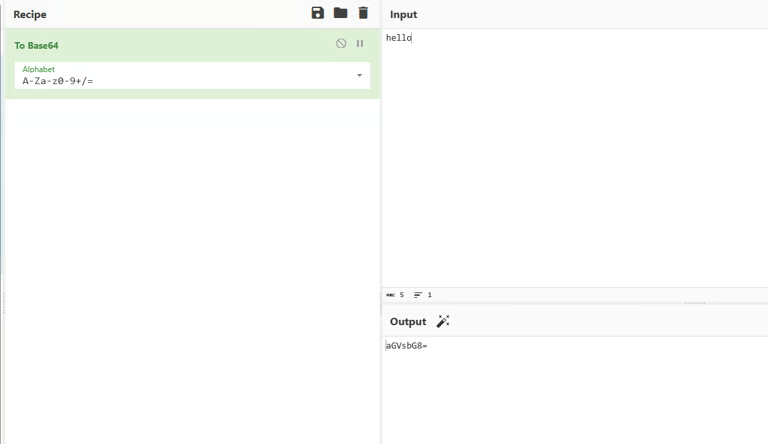
2
Decode on Windows
Decode the string with PowerShell:
HTTP/HTTPS
Start a Python web server on your Kali Linux machine:
SMB
- Without credentials
- With username and password
FTP
Install and start the FTP service on Linux: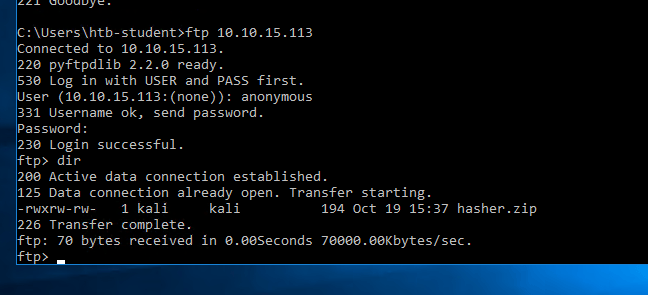
RDP
Mount a local drive over RDP to transfer files:Upload methods
Web interface
1
Install uploadserver on Linux
2
Install the upload helper on Windows
3
Upload the file to Linux
Base64 and Netcat
FTP
Install and start the FTP service on Linux with write access: